
Robotics Lab for Schools
What a school robotics lab actually contains — kit types by age band, how many students share a kit, the room and power it needs, indicative budgets at three scales, and the part most schools get wrong: who runs it once it is built. Supplied and installed by CBM IMPEX, a GST-registered school equipment supplier in Bengaluru.
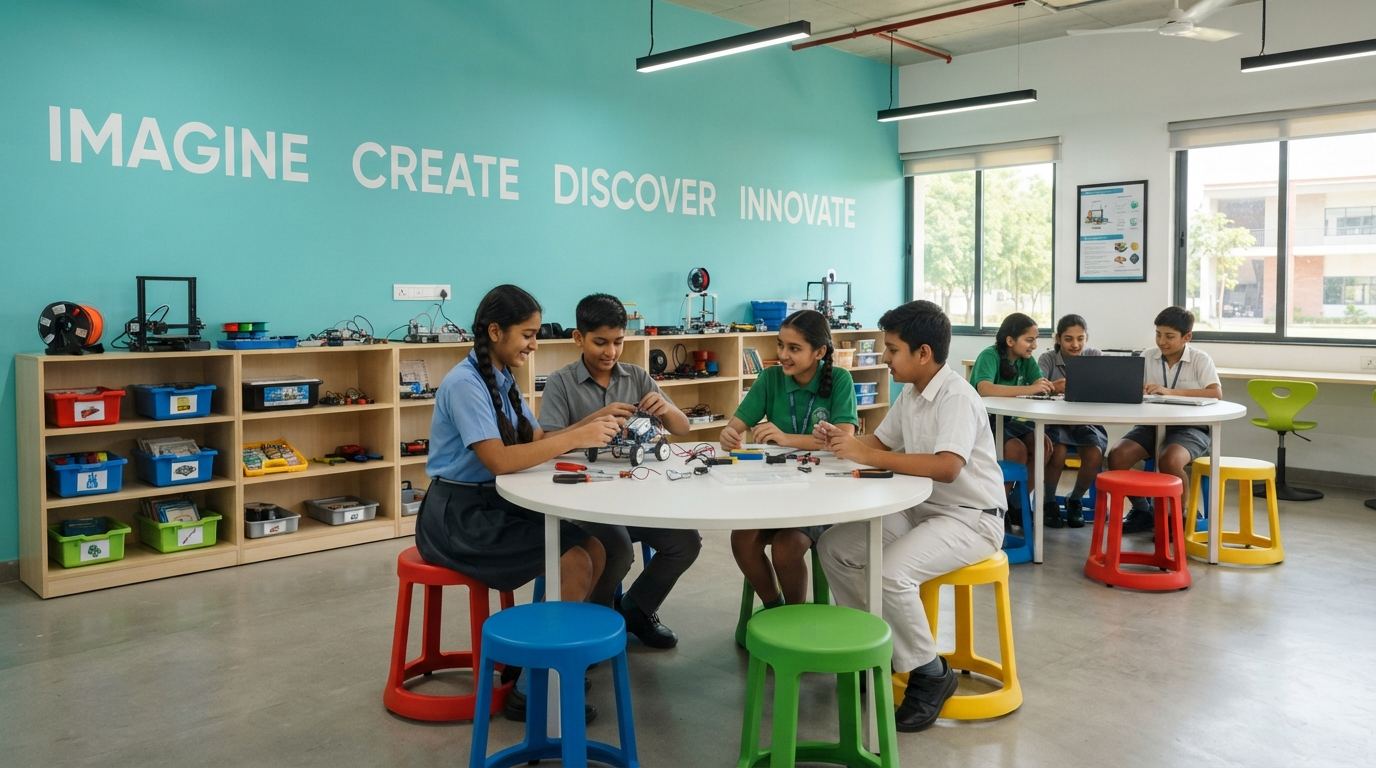
What a School Robotics Lab Contains
Six groups of equipment, in the order you should buy them
1. Robotics Kits, by Age Band
The core of the lab and the largest line on the quote. Snap-together construction kits with block-based coding for primary classes; programmable robot platforms with motors, servos and chassis from Class 6; competition-grade platforms and free-build chassis for seniors. Budget one kit per two to three students.
2. Microcontrollers & Sensors
Arduino-class boards and single-board computers, motor driver modules, and a sensor set — ultrasonic, IR and line-following, PIR motion, temperature and humidity, light, sound, touch. This is what turns a kit lab into a projects lab and it is where Classes 8 upward spend their time.
3. Electronics Bench
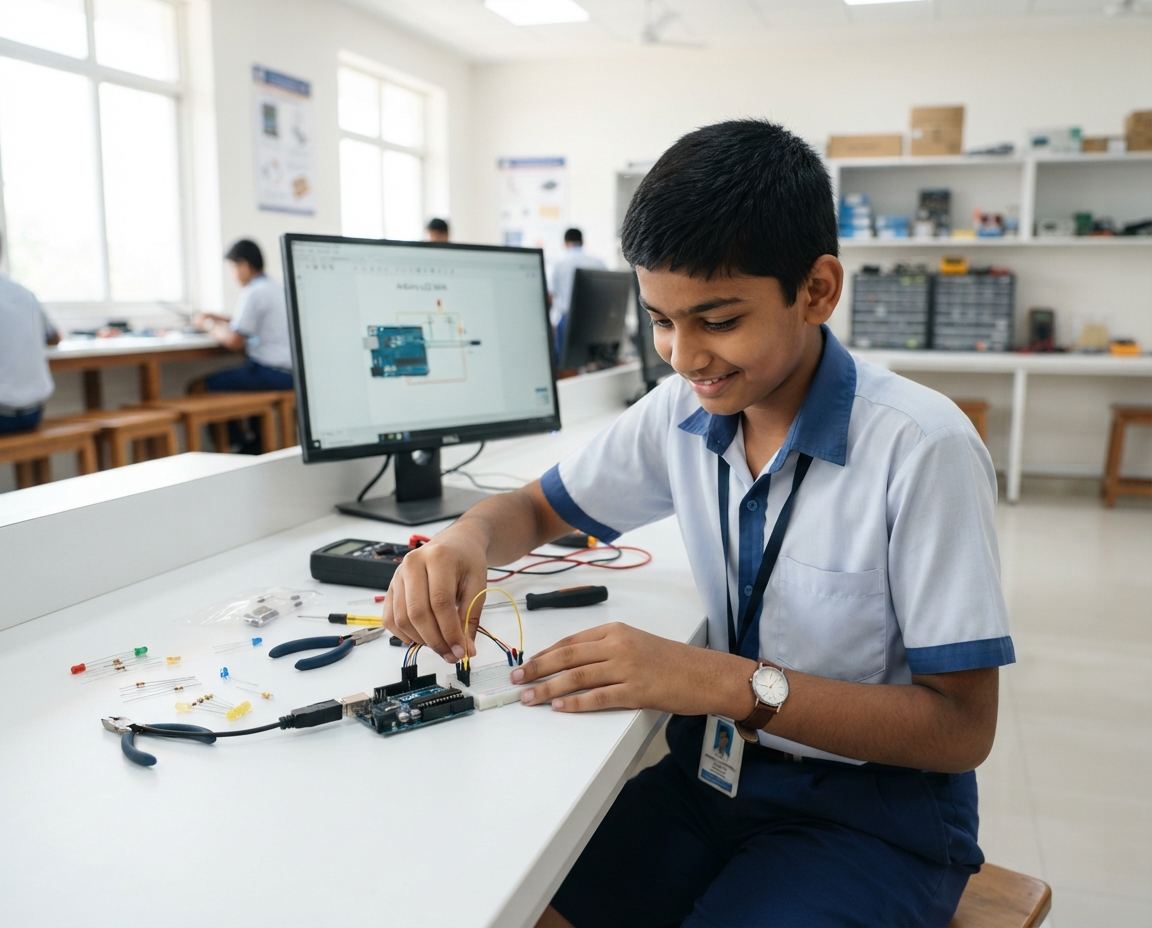
Breadboards, jumper sets, resistor and capacitor kits, LEDs and displays, multimeters, a regulated low-voltage supply and soldering stations with extraction. Two to four bench positions serve a class of 30 on rotation.
4. 3D Printing & Prototyping
An FDM printer with a heated bed, filament in several colours, slicing software, and ideally a UPS so a power cut does not ruin a six-hour print. Plus hand tools, a rotary multitool, a small drill and craft material for non-printed prototypes.
5. Safety Equipment
Polycarbonate goggles for every student at a bench, gloves, masks for soldering and sanding, a first-aid kit and a dry-powder fire extinguisher. Non-negotiable once there are hot tools and power tools in a room full of children, and the first thing an inspection asks about.
6. Furniture, Storage & Power
Worktables sized for a kit plus a laptop plus two pairs of hands, stools, labelled component storage, a pegboard tool wall, a display shelf for finished projects — and enough power points in the right places. See lab furniture for benches and storage.
Kits by Age Band
What to buy for which classes, and how many
| Age band | Kit type | Students per kit | What students build |
|---|---|---|---|
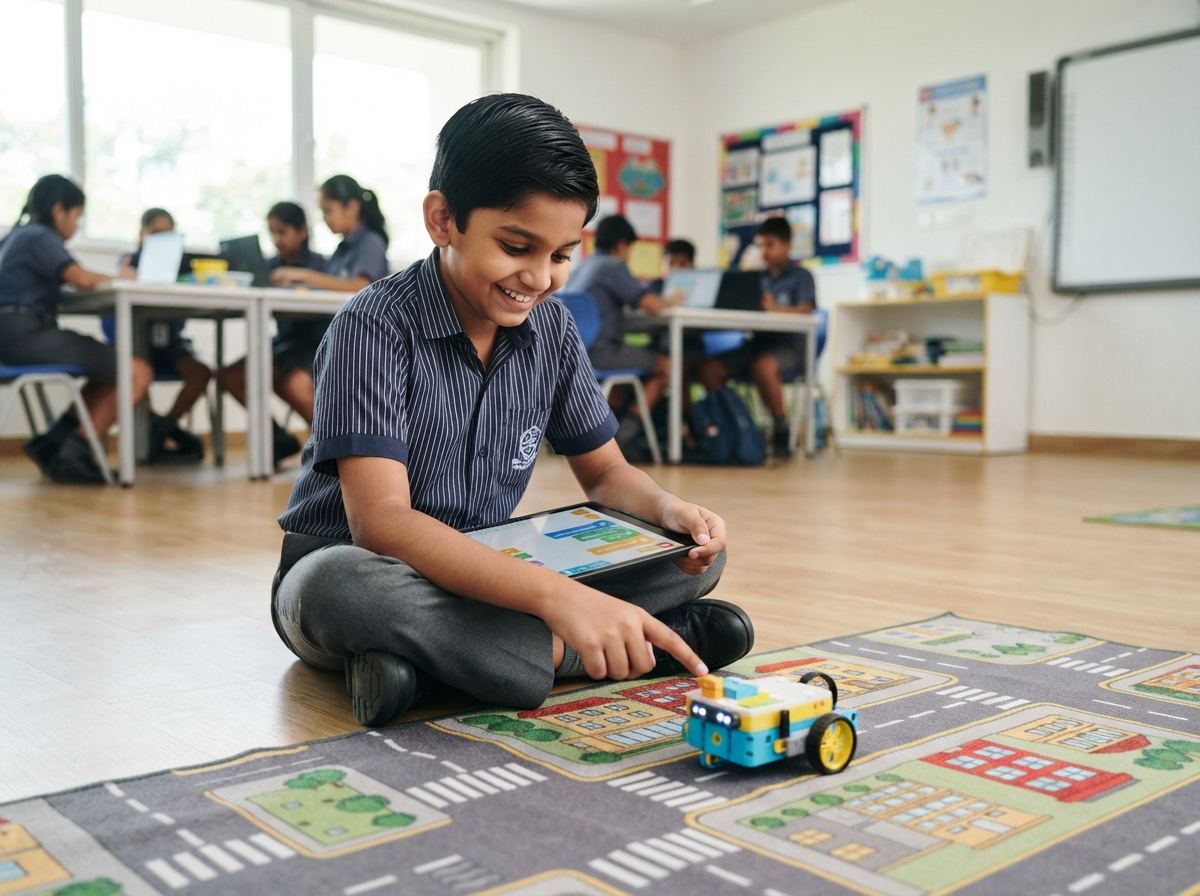
| Classes 1–5 | Snap-together construction kits, large-part motorised sets, block-based coding on a tablet | 3 | Simple machines, motorised models, sequenced instructions — no wiring, no soldering, nothing sharp |
| Classes 6–8 | Programmable robot kits plus a first microcontroller board and a basic sensor set | 2–3 | Line followers, obstacle-avoiding robots, sensor-triggered circuits, first text-based code, first 3D prints |
| Classes 9–12 | Microcontroller and single-board-computer workstations, competition chassis, full sensor and actuator set | 2 | Independent projects, IoT and automation builds, CAD to 3D print, competition entries and exhibition projects |
The ratio matters more than the brand. One kit per two to three students is the line between a lab where children build and a lab where they watch. Schools that halve the kit count to afford a better brand almost always regret it — a class of 30 with six kits is a demonstration, not a lab.
Buy the age bands you will actually timetable this year, and leave room on the shelves for the next one. A lab that grows one band a year stays used; a lab bought complete on day one for classes nobody has scheduled becomes storage.
Indicative Robotics Lab Setup Budgets
| Scale | Covers | Room | Indicative equipment cost |
|---|---|---|---|
| Starter lab | One batch of about 30 students, Classes 6–8. Robot kits, microcontroller boards, a sensor set, one shared electronics bench, hand tools, safety kit. | ~600 sq ft | Rs. 2,50,000 – 4,00,000 |
| Standard school lab | Classes 4–10 across two batches. Two age bands of kits, 8–12 microcontroller workstations, a full electronics bench, one 3D printer, power tools, storage. | 900–1,200 sq ft | Rs. 5,00,000 – 9,00,000 |
| Full KG–12 lab | All three age bands, competition-grade platforms, two printers or a printer plus a laser cutter, AR/VR, exhibition and project display area. | 1,200–1,500 sq ft | Rs. 10,00,000 – 16,00,000 |
| Furniture, electrical & storage | Worktables, stools, component storage, tool wall, display, power points, lighting and painting. | — | Rs. 1,50,000 – 4,00,000 |
All figures are indicative and not a quotation. They move with kit brand versus equivalent, the number of students you are equipping, and the state the room starts in. Send us your student numbers and room dimensions and we will replace every one of them with an itemised line.
If your school has a sanctioned Atal Tinkering Lab grant, do not use this table — specify against AIM's published list instead. Our Atal Tinkering Lab equipment list sets out packages P1–P4, the quantities AIM suggests and what the Rs. 20 lakh grant does and does not cover.
The Room: Layout, Power and Storage
A robotics lab is not a computer lab with kits in it. Three zones have to coexist, and planning them before the furniture order saves an expensive rearrangement later.
| Zone | What it needs |
|---|---|
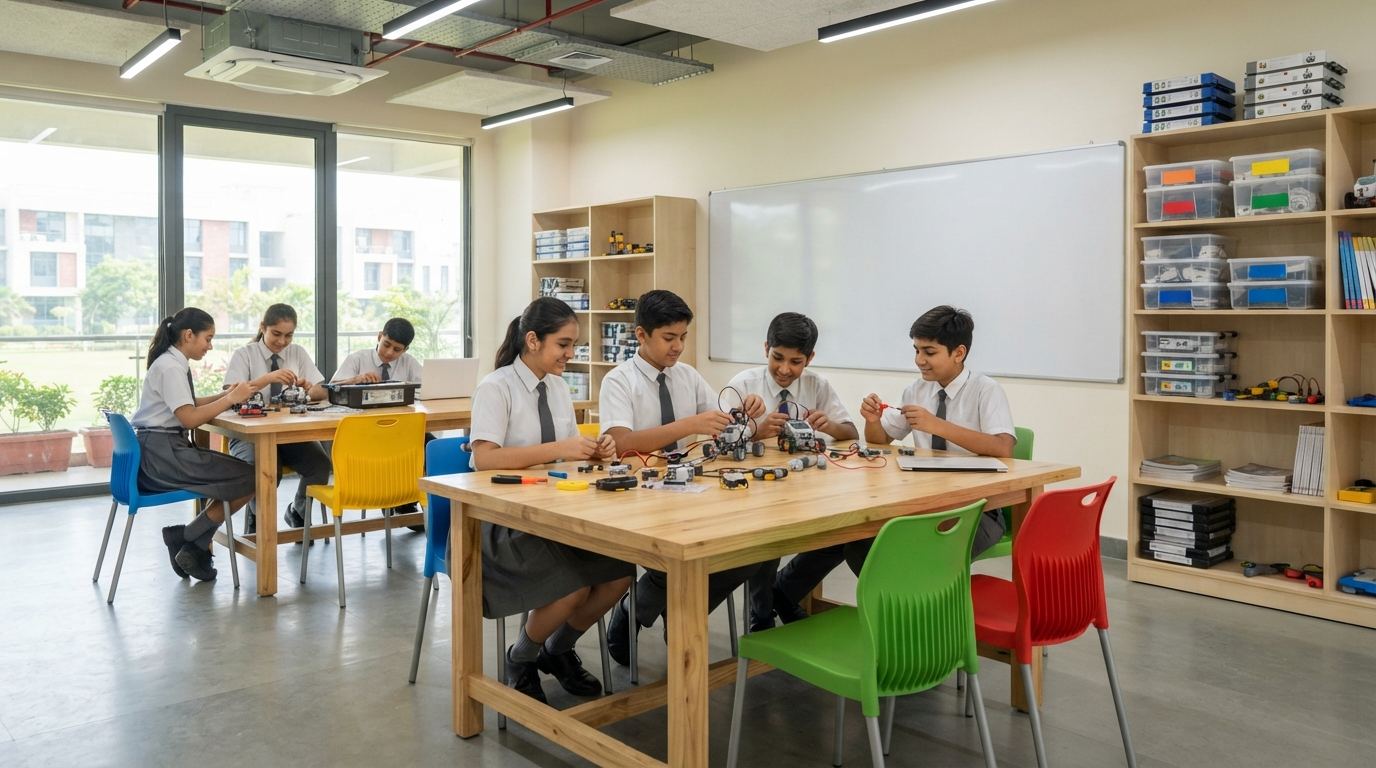
| Build area | Island worktables seating four to six, at least 1,200 × 600 mm of clear top per pair of students, two power points per table, good overhead light, and a floor you can sweep small parts off. |
| Machine corner | The 3D printer on a stable surface away from the doorway, its UPS beside it, ventilation, and the drill, rotary tool and soldering stations on a separate bench with a hard, heat-tolerant top. |
| Discussion area | A clear wall for a display board and projector, space for a class to stand around one build, and shelving for finished projects — the single cheapest thing you can do to keep a lab busy is put last term's work where this term's students can see it. |
On storage: label everything and give every component type a fixed home. Labelled drawer units and a pegboard tool wall cost a fraction of one robot kit and are the difference between a lab that is usable in week 30 and one that is not.
Buy the Lab, or Run a Managed Programme?
This is the decision that determines whether the lab is still in use in year three, and it should be made before the kit list, not after.
| Buy outright | Managed programme | |
|---|---|---|
| Cost shape | One capital purchase, then consumables and repairs | Per-student fee, monthly or annual |
| Who teaches | Your science or computer faculty, after training | Instructors provided with the programme |
| Curriculum | Built in-house or adapted from kit manuals | Grade-wise curriculum, updated under contract |
| Maintenance | School’s responsibility | Included |
| Ownership | The school owns the equipment outright | Depends on the agreement |
| Best when | You have a teacher who genuinely wants to run it, and time in their timetable | You do not, and are not going to hire one |
Buying outright is cheaper on paper and works well — provided somebody's job description says they run the lab. Where no one owns it, kits break without a repair route, the syllabus never gets written, and the room quietly becomes storage. If that is the honest position at your school, the managed innovation lab programme costs more per year and is worth it. The two also combine: grant or capital money for the equipment, a programme for the teaching.
Setup Timeline
| Stage | Typical duration | What happens |
|---|---|---|
| 1. Requirement & layout | 3–7 days | Student numbers, classes to be covered and room dimensions in; itemised equipment list, bench layout and electrical plan out. |
| 2. Room preparation | 2–4 weeks | Power points, lighting, painting, flooring touch-ups, benches and storage installed. Runs in parallel with the equipment order, not after it. |
| 3. Delivery & commissioning | 2–4 weeks | Kits, boards, sensors, printer and tools delivered, unpacked, inventoried against the order and commissioned. |
| 4. Teacher orientation | 1–2 days | Hands-on session for the faculty who will run the lab, covering every major equipment group and the safety drill. |
| 5. Timetable & run | Ongoing | Scheduled lab hours per class, a consumables reorder cycle, and a repair route for broken kits. |
Explore the Robotics & Labs Section
- Atal Tinkering Lab equipment list — AIM packages P1–P4, suggested quantities, what the Rs. 20 lakh grant covers and the rules your supplier must meet
- STEM lab for schools — a combined STEM/STEAM room where robotics sits alongside science and design
- Innovation lab for schools — the managed programme, with instructors and a grade-wise curriculum
- Robotics lab for colleges — PU, degree and engineering college labs
- Science lab equipment for schools — physics, chemistry and biology apparatus
- Lab furniture — workbenches, stools and storage for the room
We supply and install school labs across Bengaluru and Karnataka from our office in Basavanagudi. Delivery, installation and teacher orientation are quoted along with the equipment, not afterwards.
Frequently Asked Questions
What does a robotics lab for schools cost to set up?
As an indicative range: a single-batch lab for Classes 6 to 8 — around 30 students at a time, block and microcontroller kits, a shared electronics bench and basic tools — runs about Rs. 2.5 to 4 lakh for equipment. A standard whole-school lab covering Classes 4 to 10 with two batches, a 3D printer and proper storage is about Rs. 5 to 9 lakh. A full KG to Class 12 lab with competition-grade platforms, multiple printers and AR/VR is about Rs. 10 to 16 lakh. Furniture, electrical work and storage add roughly Rs. 1.5 to 4 lakh depending on the room. All figures are indicative and move with kit brand and quantities.
What equipment does a school robotics lab need?
Six groups: age-banded robotics kits; microcontroller boards with motor drivers and a sensor set; an electronics bench with breadboards, components, multimeters and a soldering station; a 3D printer with filament, plus hand and power tools for prototyping; safety equipment — goggles, gloves, first aid and a fire extinguisher; and the room itself — worktables, stools, labelled storage, a display board and enough power points. A school applying for an Atal Tinkering Lab grant should specify against AIM's published ATL equipment list instead, which covers the same ground in four packages.
How many students can share one robotics kit?
One kit per two to three students is the working ratio. Below that, children stop building and start watching; above it, kits get damaged because nobody owns them. For a class of 30, plan 10 to 15 kits per age band, and size the worktables so a kit, a laptop and two pairs of hands fit on one bench.
How much space does a school robotics lab need?
A single-batch lab works in about 600 sq ft; a comfortable whole-school lab wants 900 to 1,500 sq ft so that a build area, a machine corner for the 3D printer and cutting tools, and a discussion or presentation area can coexist. Schools applying for an Atal Tinkering Lab should note that AIM's mainline guidelines ask for a minimum of 1,500 sq ft.
Which classes should use the robotics lab?
Start at Class 1 with snap-together builds and block-based coding, move to programmable robots and microcontrollers from Class 6, and reach independent projects, 3D printing and competition platforms by Classes 9 to 12. NEP 2020 recommends coding from Class 6, so most schools anchor the timetable there and extend in both directions.
Do you supply robotics teachers as well as equipment?
Both models are available. You can buy the lab outright and run it with your own science or computer faculty, or run it as a managed programme where trained instructors, a grade-wise curriculum and equipment maintenance are provided under a per-student fee. Schools that buy outright and have no one whose job it is to run the lab are the ones that end up with a locked room, so decide the teaching model before you decide the kit list.
How long does robotics lab setup take?
Two to four weeks from order for equipment delivery, kit commissioning and teacher orientation, assuming the room is ready. Room preparation — power points, benches, storage, painting — usually needs two to four weeks of its own and should run in parallel, not afterwards.
How is a robotics lab different from an Atal Tinkering Lab?
An Atal Tinkering Lab is the same kind of room funded by a NITI Aayog grant of up to Rs. 20 lakh, with a mandated equipment list, a GeM-only procurement route and reporting obligations. A robotics lab bought outright has no grant and no external list, so you size it to your own timetable and budget. Schools that have an ATL sanction should specify against AIM's list; schools that do not can build the same lab at whatever scale they can fund.
Set Up a Robotics Lab at Your School
Send your student numbers, the classes you want covered and your room dimensions. You get back an itemised equipment list with quantities and prices, plus a bench layout and electrical plan, within 2–3 working days.