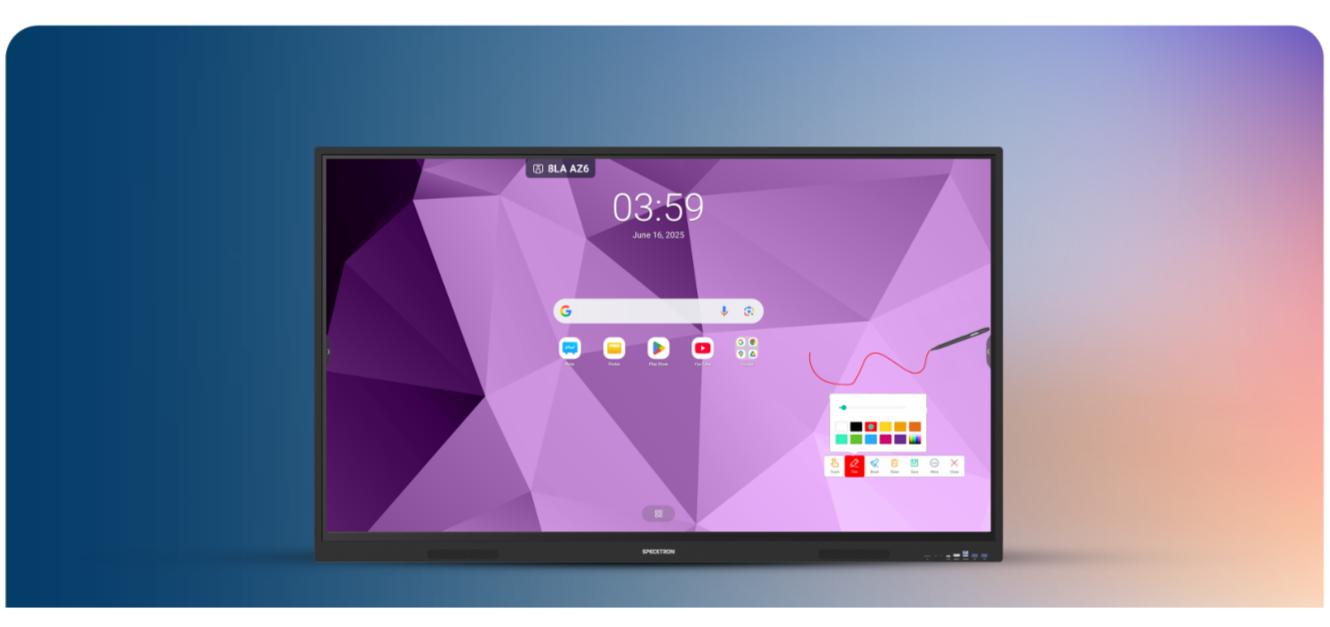
Smart Board for Teaching — The Complete Guide for Schools
A smart board for teaching is a large 4K touchscreen that replaces the projector, the whiteboard, the speakers and the classroom PC with one device a teacher can use like a tablet. This guide covers what a digital board actually changes in a lesson, how to pick the right size for your room, what each size costs, how the major brands differ, and what it takes to install one in an existing classroom. CBM IMPEX supplies 65, 75, 86 and 98 inch smart boards from Rs. 1,05,000 across Bangalore and Karnataka with installation, teacher training and warranty included.
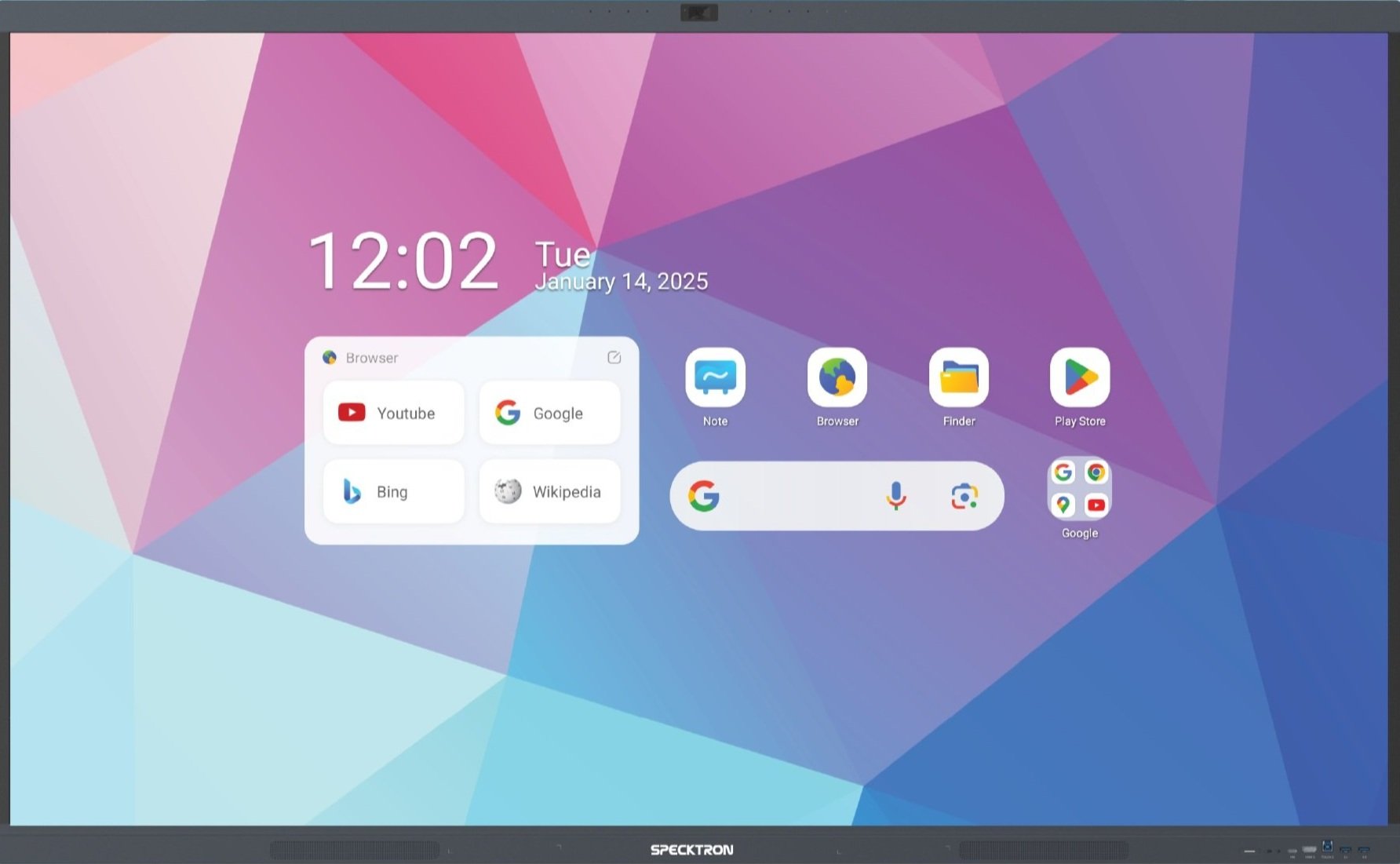
Why Schools Are Switching to Smart Boards
The National Education Policy (NEP) 2020 has made digital classrooms a priority for schools across India. The policy emphasizes technology integration at every level of education -- and the smart board for teaching is the single most impactful upgrade a school can make.
Traditional chalk-and-talk methods limit how teachers can present information. A digital board for teaching changes this entirely. Teachers can show videos, run interactive simulations, annotate over presentations, conduct live quizzes, and access curriculum-aligned content from apps like DIKSHA and Google Classroom -- all from one screen.
The results speak for themselves. Schools that have adopted smart boards for classrooms report higher student engagement, better retention of concepts, and improved learning outcomes. Students who grow up interacting with digital boards are better prepared for competitive exams and the technology-driven workforce.
The shift from projectors to smart boards
Many schools still use projectors, but the limitations are clear -- dim displays in well-lit rooms, expensive bulb replacements every 2-3 years, no touch interaction, and the need for a separate computer. A modern interactive panel for classroom use eliminates all these problems. It is brighter, touch-enabled, runs its own Android OS, and lasts 3x longer than any projector setup.

Smart Board Options for Your Classroom
65-inch Smart Board
Best for: Standard classrooms (25-35 students)
Display: 4K UHD, bright LED panel visible in daylight
Touch: Multi-touch with finger and stylus support
Ideal for: Primary schools, tuition centers, small classrooms
Price Range: Rs. 1,05,000 - Rs. 1,54,000
75-inch Smart Board
Best for: Medium-large classrooms (35-50 students)
Display: 4K UHD, perfect balance of size and value
Touch: Multi-touch with finger and stylus support
Ideal for: CBSE/ICSE schools, high schools, coaching centers
Price Range: Rs. 1,54,000 - Rs. 2,38,000
86-inch Smart Board
Best for: Large classrooms (50-70 students)
Display: 4K UHD, excellent visibility from back rows
Touch: Multi-touch with finger and stylus support
Ideal for: Auditoriums, conference rooms, large classrooms
Price Range: Rs. 2,24,000 - Rs. 3,64,000
98-inch Smart Board
Best for: Auditoriums and seminar halls (70+ students)
Display: 4K UHD, largest classroom display available
Touch: Multi-touch with finger and stylus support
Ideal for: College halls, board rooms, large auditoriums
Price Range: Rs. 4,20,000 - Rs. 7,00,000
* Prices vary based on brand, configuration, and quantity. Contact us for the latest smart board pricing and bulk school discounts.
Choosing the Right Size Smart Board
The right smart board size depends on your classroom dimensions and seating capacity. Here is a visual comparison of available sizes to help you decide.

Smart board sizes available: 65", 75", 86", and 98" -- the 75-inch is the most popular for schools
| Smart Board Size | Room Depth | Students | Best Suited To | Price Range |
|---|---|---|---|---|
| 65 inch | Up to 20 ft | 25-35 | Standard classroom, primary school, tuition room | Rs. 1,05,000 – Rs. 1,54,000 |
| 75 inch | Up to 25 ft | 35-50 | Most Indian classrooms — the default recommendation | Rs. 1,54,000 – Rs. 2,38,000 |
| 86 inch | Up to 29 ft | 50-60 | Large classroom, lecture hall, lab demonstration room | Rs. 2,24,000 – Rs. 3,64,000 |
| 98 inch | 30 ft+ | 60+ | Auditorium, assembly hall, seminar room | Rs. 4,20,000 – Rs. 7,00,000 |
See the full smart board price list for India →
As a rule of thumb, the last row of students should be no more than 4x the screen diagonal away. For a 75-inch panel, that means it works well for rooms up to 25 feet deep. If your classroom is larger, consider the 86-inch or 98-inch model.
Features That Matter for Teaching
Not all smart boards are equal. When choosing a digital board for classroom use, these are the features that actually make a difference in day-to-day teaching.
4K Ultra HD Display
Crystal-clear 3840x2160 resolution makes text, diagrams, and videos sharp and readable from every seat. Bright LED panels work perfectly in well-lit classrooms -- no need to close curtains like with projectors.
Multi-Point Touch
40-point infrared touch with 8ms response time. Teachers can write, draw, annotate, and interact naturally using fingers or a passive stylus. Multiple students can interact with the board simultaneously during group activities.
Built-in AI (SparkyAI)
Generate quizzes from any topic, create lesson plans for CBSE/ICSE/State Board, summarize PDFs, and search for educational videos -- all built into the panel. No subscription or separate computer required.
Google EDLA Certified
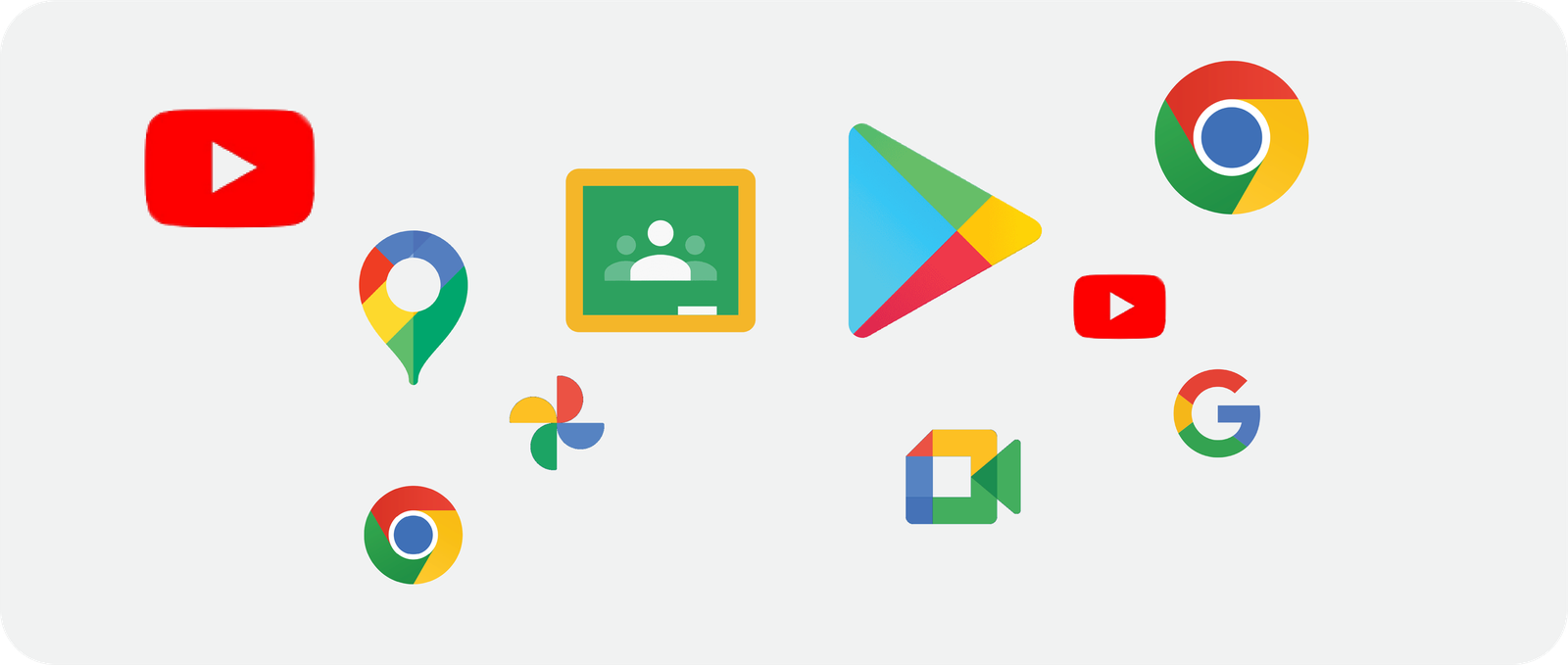
Full access to Google Play Store, YouTube, Google Classroom, Google Meet, and all Google services. EDLA certification ensures official updates and guaranteed app compatibility -- critical for schools using Google Workspace for Education.
All Board Content: CBSE, ICSE, State Board
Access curriculum-aligned content for every Indian school board. DIKSHA (NCERT official app), board-specific educational apps, and thousands of learning resources are available directly on the smart board through Google Play Store.
Dual OS: Android + Windows
Smart boards run Android natively for everyday use. For schools that need Windows software (MS Office, Tally, specialized apps), an optional OPS PC module adds full Windows capability. Switch between Android and Windows with one tap.
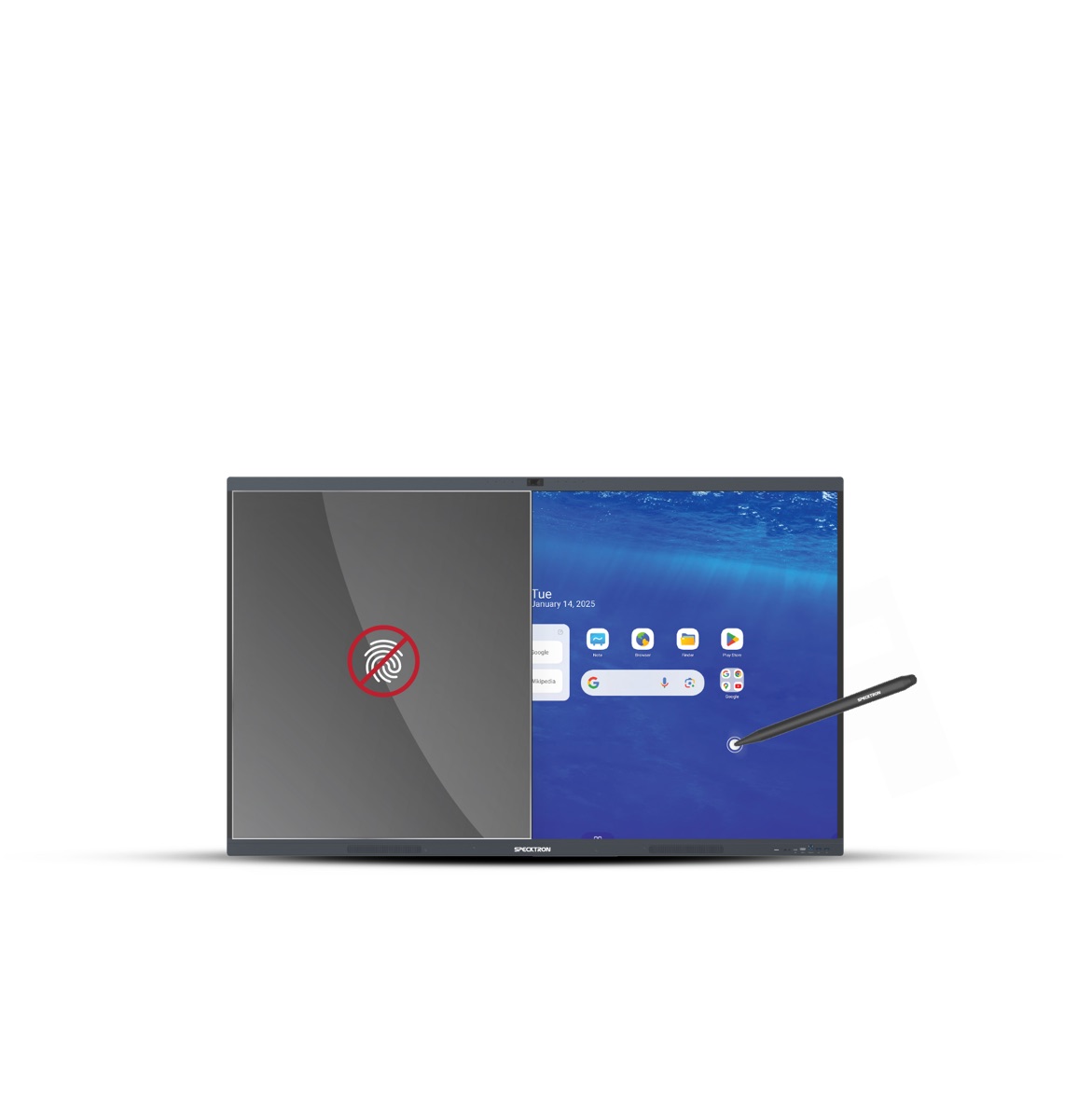
Built-in whiteboard with infinite canvas -- write, draw, and annotate just like a traditional board
Brands We Supply
CBM IMPEX supplies smart boards for teaching from leading global brands. We help you choose the right brand and model based on your school's requirements, budget, and technical needs.
Specktron
Authorized Dealer -- Google EDLA certified, SparkyAI built-in, Android 14, 8GB RAM, 40-point touch. Best value for schools.
BenQ
We supply BenQ interactive displays -- known for eye-care technology, ClassroomCare sensors, and germ-resistant screens. Popular in international schools.
ViewSonic
We supply ViewSonic ViewBoard interactive panels -- myViewBoard software, wireless screen sharing, and strong after-sales network across India.
Maxhub
We supply Maxhub interactive flat panels -- competitive pricing, good build quality, and popular for both classrooms and corporate meeting rooms.
Samsung
We supply Samsung interactive displays -- premium display quality, Tizen OS, robust build, and strong brand recognition among schools and parents.
Newline
We supply Newline interactive panels -- trusted globally in education, built-in wireless presentation, and excellent touch accuracy for annotation.
What's Included When You Buy From CBM IMPEX
Smart Board Hardware
Brand new interactive panel in your chosen size and brand, with wall mount bracket, stylus pens, remote control, and all cables included in the box.
Professional Installation
Complete on-site installation including wall mounting, electrical connections, cable management, and network setup. Your smart board is ready to use from day one.
Teacher Training
Hands-on training sessions for your teachers covering basic navigation, whiteboard tools, app usage, screen sharing, AI features, and Google Classroom integration. We make sure every teacher is confident before we leave.
Warranty & Service
3-year manufacturer warranty with extended options up to 5 years. Local Bangalore service team with 24-48 hour on-site response. Annual maintenance contracts (AMC) available after warranty period.
Educational Content
Access to curriculum-aligned content for CBSE, ICSE, Karnataka State Board, IB, and Cambridge through Google Play Store apps. DIKSHA (NCERT), Khan Academy, and thousands of educational apps available out of the box.
Smart Boards for Different School Types
Every school has different needs. We have detailed guides for choosing the right smart board setup based on your school type, student age group, and teaching requirements.
Primary Schools
Smaller screens, simpler interfaces, and age-appropriate content for classes 1-5. Interactive learning games and visual teaching tools.
High Schools
Larger displays, advanced content apps, exam preparation tools, and dual OS support for senior students and lab work.
PU Colleges
86-inch or larger panels for big classrooms, Windows OS support, competitive exam prep content, and video conferencing capability.
Coaching Centers
High-durability panels for extended daily use, screen recording for online classes, and AI quiz generation for test series.
Special Education
Accessible interfaces, multi-sensory learning tools, and adaptive content for students with different learning needs.
Complete Setup Guide
End-to-end smart classroom setup including panels, networking, sound systems, and classroom design for Bangalore schools.
What a Smart Board Actually Changes in a Lesson
The case for a digital board for teaching is not the hardware — it is what a teacher can do in the forty minutes they have. These are the changes schools report first, subject by subject.
Mathematics
Geometry is constructed on screen instead of drawn twice. GeoGebra, Desmos and the panel's own whiteboard let a teacher drag a vertex and have the whole class watch the theorem hold. Every board is saved as a PDF and shared with absentees the same evening.
Science
Experiments that need equipment the lab does not have get run as simulations — PhET, Olabs, DIKSHA practicals. Diagrams are annotated live over a 4K image rather than copied onto a blackboard, and a microscope or document camera can be mirrored to the panel over USB.
Languages & Social Science
Audio and video play from the panel's own speakers with no external system. Maps, timelines and source documents are zoomed and marked up in front of the class. Handwriting practice in regional scripts works on the panel surface with a passive stylus.
Revision & Assessment
Panels with built-in AI — SparkyAI on the Specktron UDX-S2 Pro, for example — generate a quiz from the chapter that was just taught, summarise a PDF, or produce a lesson plan, so revision is prepared in the lesson rather than after it.
Teachers Who Are Absent
A recorded lesson or a Google Meet session on an EDLA-certified panel lets a substitute run the period from the same material. Nothing is lost because one teacher is on leave.
The Whiteboard Never Runs Out
Infinite canvas, no marker cost, no duster, no ghosting, no glare from a projector lamp. This is the smallest change and the one teachers mention most.
Installing a Smart Board in an Existing Classroom
Most Indian classrooms need nothing structural. A survey before the order avoids the two problems that actually delay projects — a wall that cannot take the load, and a power point in the wrong place.
Wall and mount
A 75-inch panel weighs about 42 kg and an 86-inch about 51.5 kg. A solid brick or RCC wall carries that on a fixed VESA mount. Partition and drywall classrooms need either a backing plate or a mobile floor stand — we specify this at survey, not on delivery day. Mounting height is set so the centre of the screen sits at roughly the eye level of a standing teacher, usually 110–125 cm from floor to the bottom edge.
Power and cabling
One 5A earthed point within 1.5 m of the mount, ideally on the same circuit as the classroom. Schools running long teaching days should put the panel behind the same UPS or inverter circuit as the lights — a panel draws far less than a projector-plus-PC setup. HDMI and USB drops from a teacher's desk position are run in concealed casing during installation.
Network
An EDLA-certified panel is useful only when it is online. Campus WiFi that reaches the back of the classroom, or a LAN drop to the panel, is worth budgeting for at the same time as the boards themselves.
Training and handover
CBM IMPEX includes an on-site teacher training session with every installation, covering the whiteboard, screen sharing from a phone or laptop, Google Classroom and Meet, and the AI tools where the panel has them. A second refresher session after the first term is included for schools installing ten panels or more.
Smart Board vs the Alternatives
| Smart Board / Interactive Panel | Projector + Whiteboard | TV + Laptop | |
|---|---|---|---|
| Visible in a lit room | Yes — 4K LED, no dimming needed | Curtains usually needed | Yes |
| Touch / annotation | 40-point touch, write directly on screen | None without an add-on | None |
| Runs without a PC | Yes — built-in Android | No | No |
| Consumables | None | Lamp every 2-3 years, markers | None |
| Typical life | 7-10 years, 50,000+ panel hours | 3-5 years | 5-7 years |
| Upfront cost (75 in class) | Rs. 1,54,000 – Rs. 2,38,000 | Lower upfront, higher over 5 years | Lowest upfront |
Frequently Asked Questions
What is the price of a smart board for teaching?
Smart board prices for teaching depend on screen size: 65-inch models cost Rs. 1,05,000 - Rs. 1,54,000, 75-inch models cost Rs. 1,54,000 - Rs. 2,38,000, 86-inch models cost Rs. 2,24,000 - Rs. 3,64,000, and 98-inch models cost Rs. 4,20,000 - Rs. 7,00,000. Prices include installation and teacher training. Contact CBM IMPEX for bulk school pricing.
Which smart board size is best for a classroom?
For classrooms with 25-35 students, a 65-inch smart board works well. For 35-50 students, the 75-inch is the most popular choice and offers the best value. For large classrooms, auditoriums, or halls with 50+ students, the 86-inch or 98-inch panels provide the best visibility from the back rows.
What is the difference between a smart board and a digital board for teaching?
Smart board, digital board, interactive panel, and interactive whiteboard are all names for the same device -- a large touchscreen display designed for classroom teaching. Modern smart boards run Android or Windows, have built-in speakers, WiFi, and come preloaded with educational apps. They replace traditional projector-and-whiteboard setups with a single interactive screen.
Can teachers use smart boards without technical training?
Modern smart boards are designed to be as easy as using a tablet. Teachers can write, draw, open apps, play videos, and browse the internet using touch. However, CBM IMPEX includes free teacher training with every purchase to ensure teachers can use advanced features like AI quiz generation, screen sharing, and whiteboard annotation tools effectively.
What is Google EDLA certification and why is it important for school smart boards?
Google EDLA (Enterprise Devices Licensing Agreement) certification means the smart board has official, licensed access to Google Play Store, YouTube, Google Classroom, Google Meet, and all Google services. Schools using Google Workspace for Education need EDLA-certified panels for full compatibility. Non-certified panels use sideloaded apps that may stop working after updates.
Do smart boards work with CBSE, ICSE, and State Board curriculum?
Yes. Smart boards with Google EDLA certification can access educational apps for all Indian boards -- CBSE, ICSE, Karnataka State Board, IB, and Cambridge. Apps like DIKSHA (NCERT), Byju's, Khan Academy, and board-specific content apps are available on Google Play Store. Teachers can also load their own content, PDFs, presentations, and videos.
How long does a smart board last in a school?
A quality smart board typically lasts 7-10 years with proper care. The LED panel has a rated lifespan of 50,000+ hours. Software updates keep the board current -- for example, Specktron panels with Android 14 are upgradable to Android 16. Most brands offer 3-year standard warranty with optional extensions up to 5 years.
Is a smart board better than a projector for teaching?
Smart boards are significantly better than projectors for teaching. They offer brighter 4K display visible even in well-lit rooms, touch interaction for engaging lessons, built-in Android OS with apps, no lamp replacements or bulb costs, longer lifespan (10 years vs 3-5 years for projectors), and built-in speakers and WiFi. The total cost of ownership is lower than projectors when you factor in replacement bulbs, external speakers, and separate computers.
How many smart boards does a school need to start with?
Most schools start with two to five panels rather than the whole campus - typically the senior science and mathematics classrooms, where the teaching gain is largest and the staff are most willing. That is enough to build teacher confidence and to make the case internally for a wider rollout in the next budget cycle. CBM IMPEX supplies single panels and full-campus rollouts on the same institutional pricing.
Do teachers need to prepare content differently for a smart board?
No. Existing PowerPoint decks, PDFs, worksheets and YouTube links all open on the panel as they are. The change is that a teacher can now write over them, zoom into them, and save the annotated version. Schools that already use Google Workspace for Education see the biggest immediate gain because Classroom and Drive are built into an EDLA-certified panel.
What is the running cost of a smart board for teaching?
Effectively electricity only. There is no lamp to replace, no markers, no duster and no separate classroom PC if the panel runs Android. A 75-inch panel draws roughly the same as a few ceiling fans. Budget instead for an extended warranty beyond the standard three years and for campus WiFi that reaches the classroom.
Can a smart board be moved between classrooms?
Yes, on a mobile floor stand with castors rather than a fixed wall mount. Schools that are trialling smart boards for teaching, or that share one panel between two sections, usually start this way. The trade-off is floor space and the risk of cable damage from repeated moves, so a fixed mount is preferred once a panel has a permanent classroom.
Get the Best Smart Board Price for Your School
CBM IMPEX supplies smart boards for teaching from top brands with installation, teacher training, and warranty. Contact us for a demo or quote.
The Specktron UDX-S2 Interactive Panel Range
Google EDLA-certified 4K interactive flat panels supplied by CBM IMPEX - the authorized Specktron dealer for Karnataka.